Scala GUI webspider is effective at certian tasks. For example you could check for dead links on your website. Alternitively you could use the application to download particular media files. Regular expression patterns are used as filters. Use the Java Pattern. Application on dropbox
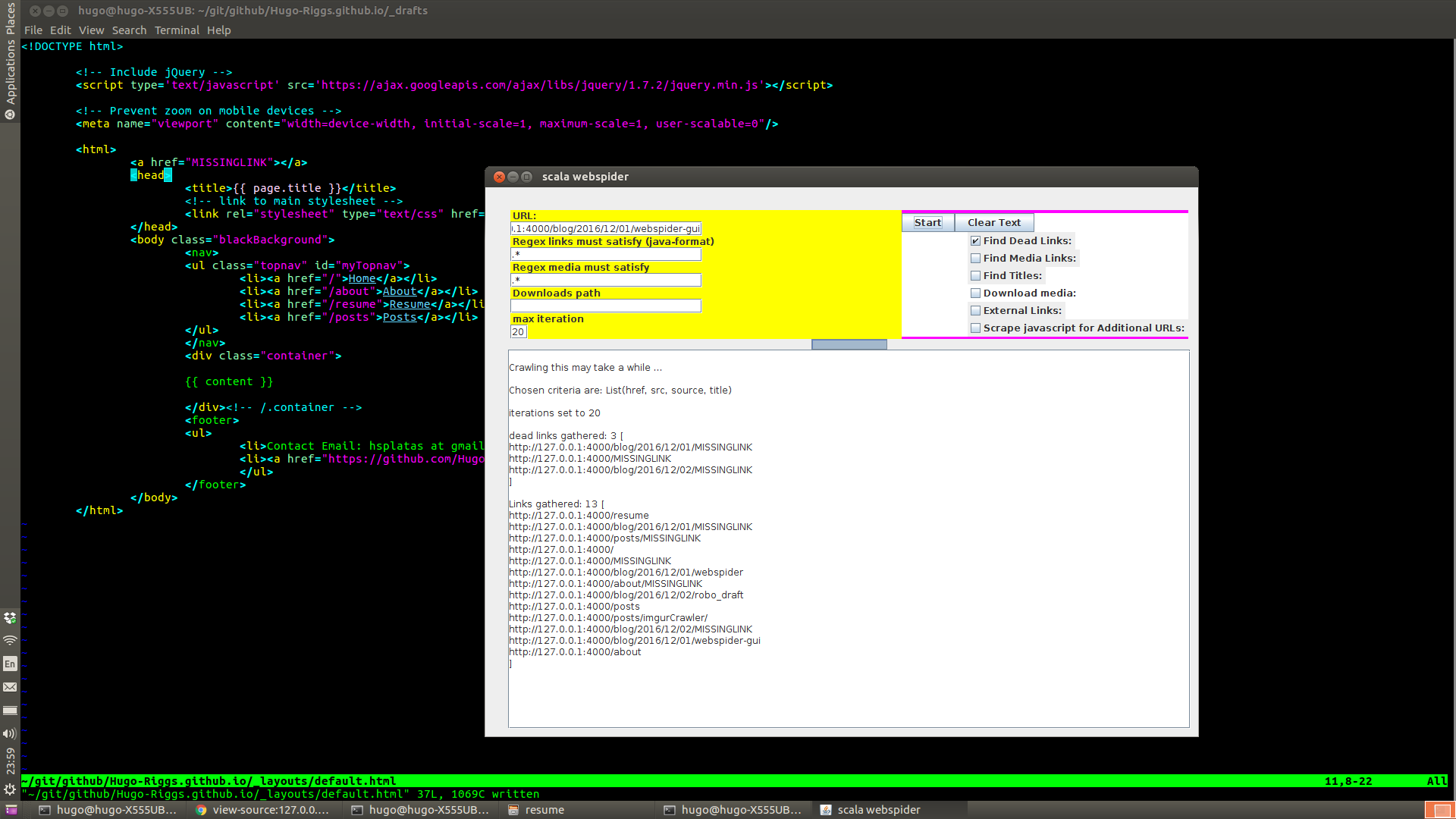
I tried the program on this website as I work with jekyll locally:
After adding a missing link to the website, now I select the dead links check box and crawl. The missing link is found in three files.
Note: jekyll is automatically adding the html code with the MISSINGLINK to each post, so it is
added to three files.
Use the java pattern for regular expression creation, this can help you find specific links. Note: (?i) mean case insensitivity. Add more iterations for a better chance to get content.
Also download content with the download checkbox, ensure media links is also checked that
makes the crawler find the actual links to image data i.e. (jpg, gif, png, mp4, etc). The
javascript checkbox is an option because some websites dynamically link to url’s from inside
the javascript of the webpage, so you can scrape that data as well with the checkbox selected.
Find titles is used to gather titles of webpages, this can give you more information about
what an ambigious url might contain Note: it will only return as many titles as iterations set.
Make sure to end your download path with a / in unix systems and \ in windows systems.
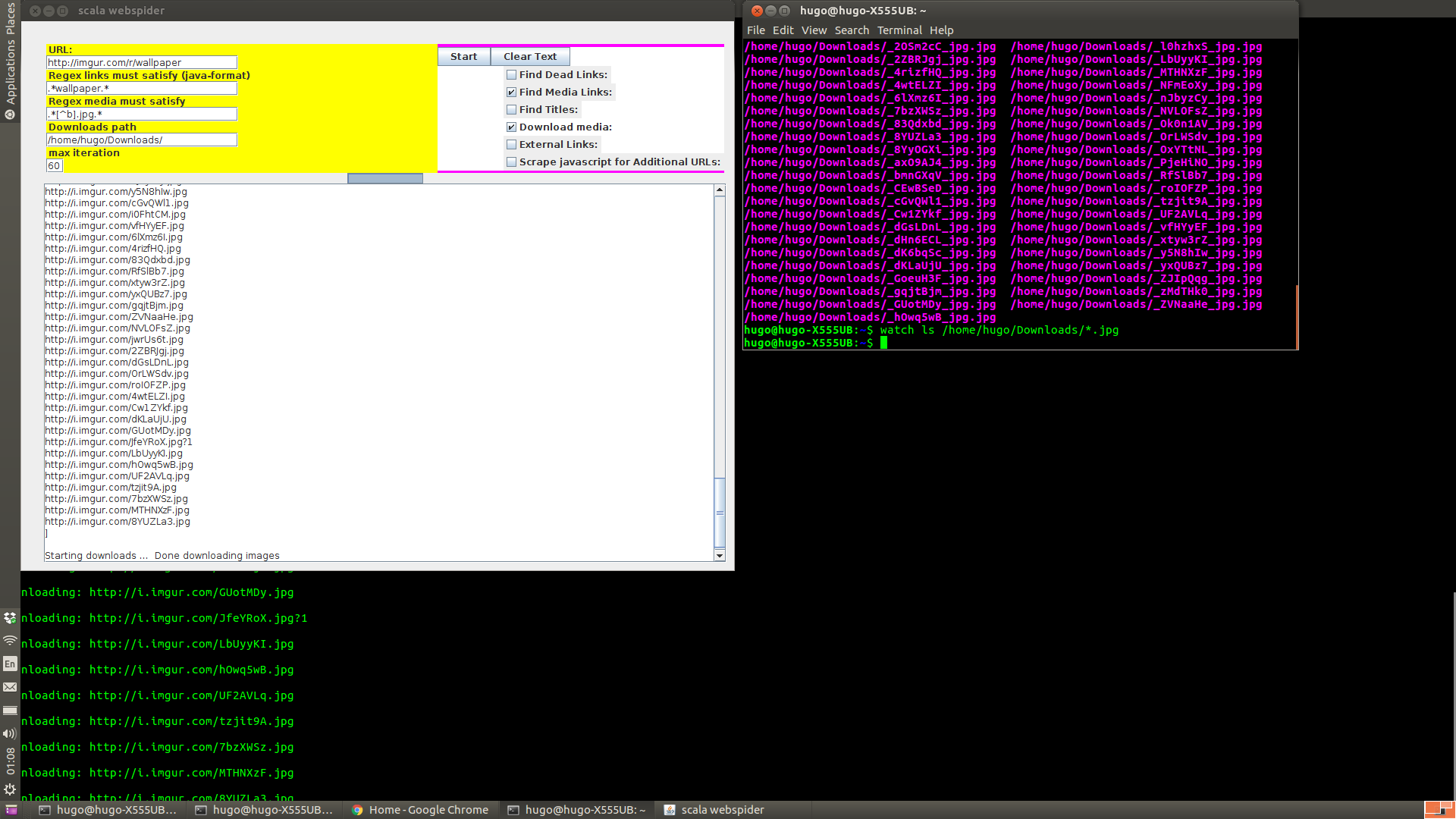
Downloading cartoons example:
Hugo Riggs webspider, 2017